Anka 3.10 lets teams package Xcode and other tools as Portable Thin Tags that sit apart from the macOS disk. A tool update still means composing the thin-tag stack into each final template or tag—but you no longer need to start the VM to do it.
Veertu today announced Portable Thin Tags in Anka 3.10. A Portable Thin Tag is a standard OCI filesystem layer—a file-diff tarball that captures software such as Xcode or Python tools separately from the underlying macOS disk. Teams store these tags in an OCI registry and apply them to compatible macOS VMs: different names, different macOS versions, different hosts.
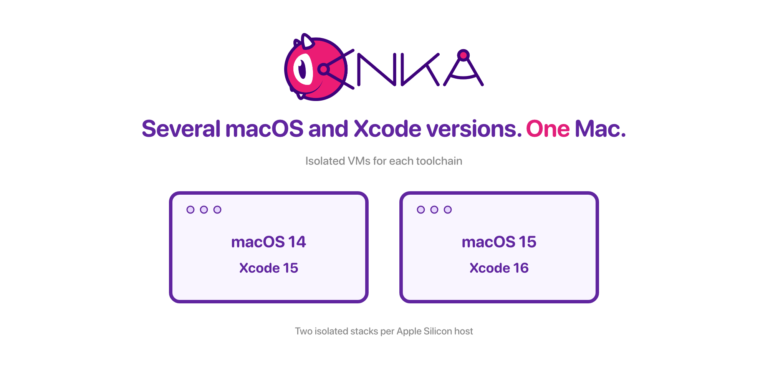
Mac teams often maintain many VM configurations for different macOS versions, Xcode releases, and toolchains. Existing VM image layers make related images more efficient to store and transfer, but software installed in one image lineage is not independently portable to another.
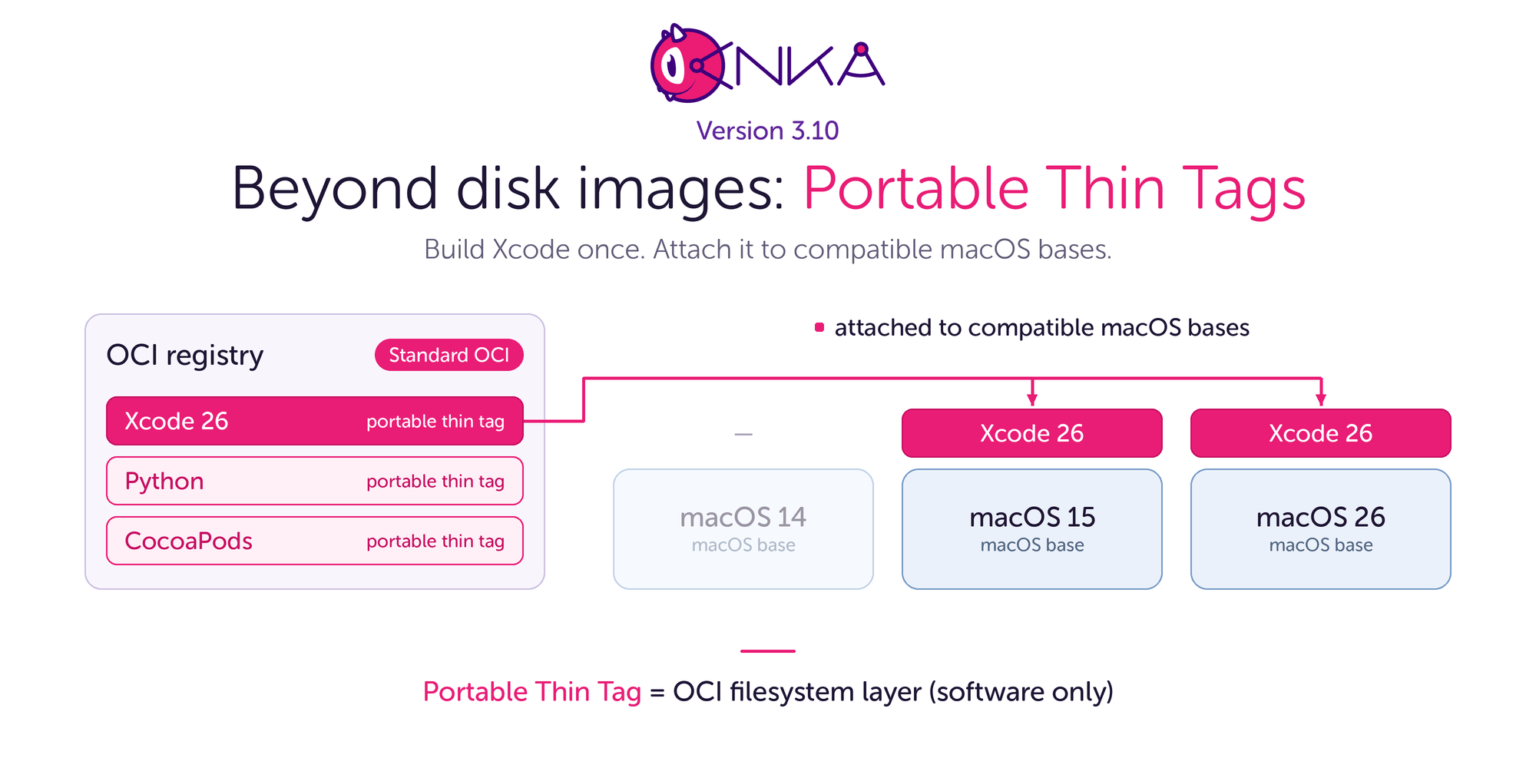
With Anka 3.10, the macOS base and the tools are separate pieces. Teams build a Portable Thin Tag once, then pull it onto each template’s stack and push the finished tag. The base image stays as it is. You do not boot each VM to install the tool again. “Thin” means less to store and less to move. “Portable” means the same tool tag can land on many compatible bases.
Beyond VM disk layers: performance with software portability
Traditional VM disk images and block storage provide high I/O performance and efficient execution. Modern copy-on-write (COW) and sparse-storage technologies further optimize disk consumption and network transfer by sharing data between related virtual machines.
However, these optimizations do not address a fundamental limitation: block-image layers remain tied to their parent image and cannot be independently reused across unrelated VM environments.
As development and CI workflows expand across multiple operating system versions, development toolchains, testing frameworks, and AI models, the number of required environment configurations grows rapidly. Even with efficient disk-image layering, maintaining these combinations can substantially complicate image creation, registry management, and distribution. Think about it: You need to update 10 different team’s base Anka templates and tags with security patches or a new Xcode. This requires either manually starting and upgrading, or running CI and waiting for them to build out the lineage of disk layers one by one that make up the tag the team uses.
Traditional block-image formats also challenge integration with software-centric infrastructure. Their contents are less directly inspectable by standard OCI tooling, making integration with existing software inventory, vulnerability scanning, and artifact-management workflows more difficult.
Anka 3.10 addresses these limitations by combining standard OCI filesystem layers with native VM block-image technology. In marketing we call the portable software pieces Portable Thin Tags. In the product and docs, they are thin OCI tags: fully OCI-compliant structures, not a proprietary format.
A full OCI tag includes the macOS disk. A VM can start from that tag alone. A Portable Thin Tag holds only file layers—the files of one tool—and does not include the macOS disk. anka push --thin takes only that last layer, not the full chain, and still produces a fully compliant OCI repository and tag. You store thin tags in an OCI registry (Docker Hub, Amazon ECR, Google Artifact Registry, JFrog Artifactory, Zot, and others). You apply them to compatible macOS VMs. That independent reuse is the portability.
Because the payload is a standard OCI filesystem archive (a file-diff tarball), third-party tools can process it directly: malware and vulnerability scanners, software inventory, and OCI clients such as skopeo and oras. Customers stay in the open OCI world. There is no vendor lock on the layer format. Anka can also pull other OCI-compliant layers—Homebrew bottles from ghcr.io, GGUF models, and formats such as application/vnd.ollama.image—into a VM the same way.
Anka’s common I/O engine allows these filesystem archives and block-image layers to share the same underlying disk data, preserving the efficiency of native block storage while introducing independent software portability.
The result is an architecture that combines the performance and storage efficiency of VM disk images with the portability, composability, and inspectability of OCI filesystem layers. You create a Portable Thin Tag for Xcode once and store it in the registry. For each team template, you pull that thin tag onto the base (and any other thin tags in the stack), then push the finished tag—without starting the VM to reinstall the tool.
Creating, updating, and storing environments
When the macOS base and the toolchains are separate, several things change for a Mac team. Teams can describe those environments in Ankafiles: declarative recipes that create or update VMs, apply Portable Thin Tags, and keep the same build steps versioned with the rest of the project. Or, use our packer plugin.
- Updates get smaller. To move to a new Xcode, you push one new Portable Thin Tag using any VM on your builder host (or on your laptop with Anka Flow). Then you compose that tag into each final template’s stack and push. The base images stay as they are. You do not boot every VM to install Xcode again. Less space. Less traffic.
- Distribute software independently. A host with a suitable macOS base can retrieve the Portable Thin Tag it needs. Reusing a thin tag across unrelated VM image families can avoid redistributing the same software as multiple parent-specific image variants.
- Store tools once in the registry. Xcode and other dependencies live as Portable Thin Tags instead of being baked into every full template as a full tag. The registry keeps one copy of each tool, so you no longer store many large tags that each carry the same software.
- Use existing OCI infrastructure. Anka works with standard OCI registries and can pull compatible public artifacts, including Homebrew bottles from
ghcr.io, directly into a VM. Because Portable Thin Tags are standard OCI filesystem archives, their contents are easier to inspect and fit software inventory and security-scanning workflows. Anka also maps VM descriptions, creation dates, and labels to standard OCI annotations, helping teams identify and manage artifacts through registry tooling. Teams can control which filesystem changes are captured and transform paths when applying compatible external thin tags.
Additionally, when you push a Portable Thin Tag, Anka can point a new tag at a blob that is already in another repository on the same registry. The registry keeps one copy. A Mac that never pulled that blob still has to download it once.
Teams that maintain several macOS versions, Xcode releases, and CI configurations across many Macs gain the most.
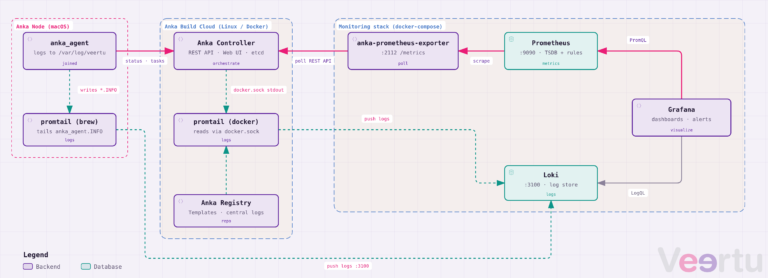
Anka Build Cloud customers keep their current workflow. The Controller pulls templates only from the Anka Registry, so a producer/builder host applies the Portable Thin Tags to the base template and pushes the finished tag there like usual. This should speed up the creation of new tags for your teams and CI jobs.
A base for macOS AI agent environments
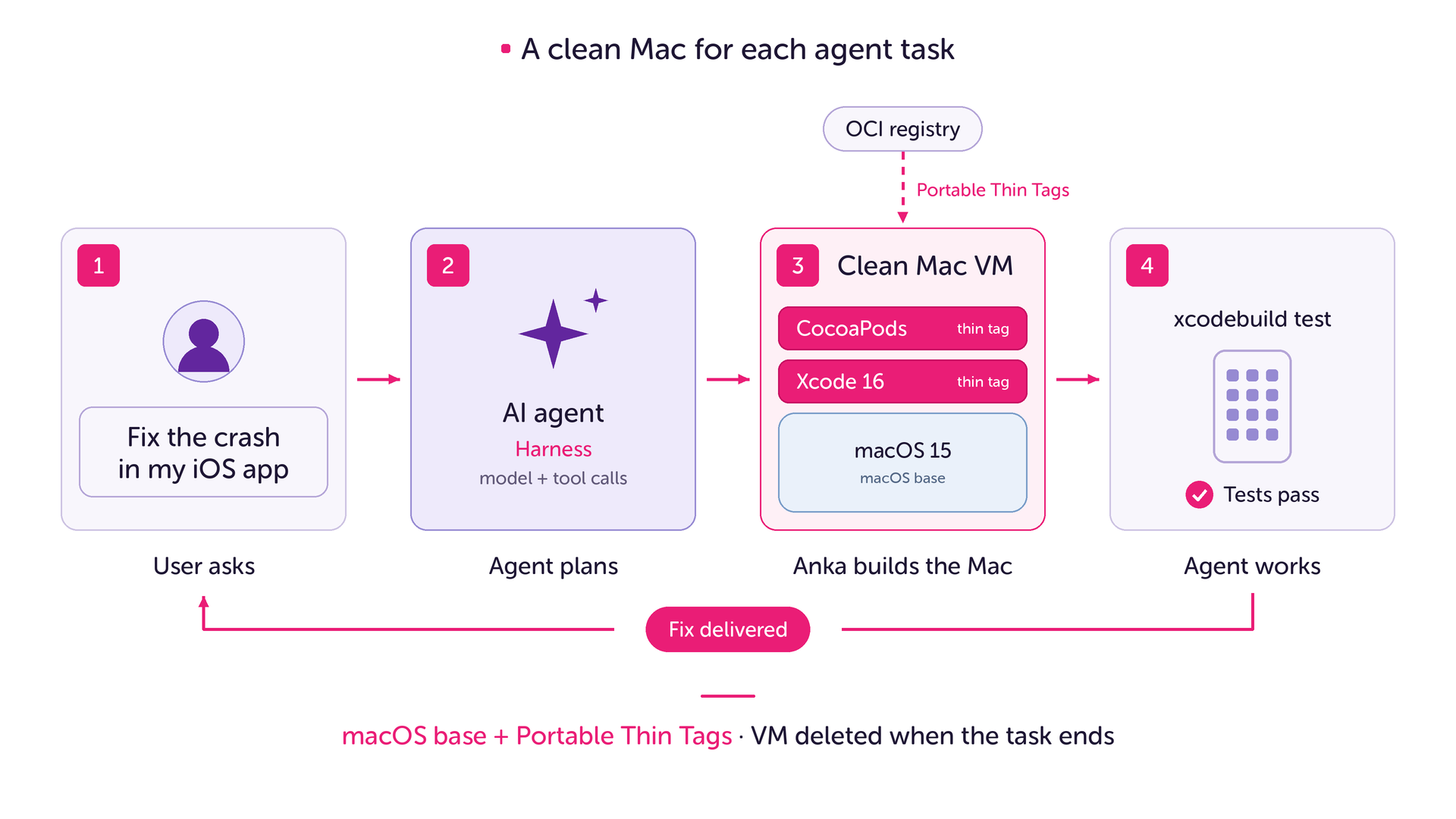
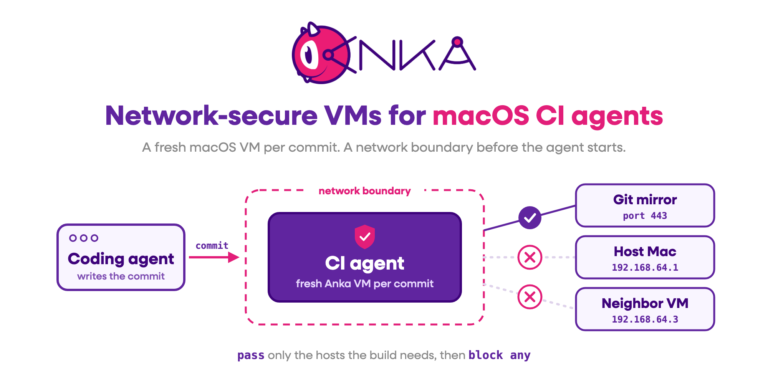
The same separation of macOS and tools helps a new kind of user: AI agents that do real work on a Mac. A coding agent can get a request such as “Fix the crash in my iOS app.” To do that, it must clone the code, run xcodebuild, start the iOS Simulator, and run the tests. The agent should not do this on a developer’s own Mac. It needs a clean Mac for each task, with the right tools, that is deleted when the task is done.
An AI agent system has two parts. The harness is the program that talks to the AI model and decides the next step. The execution environment is the Mac where the agent runs commands. Anka provides that Mac as a VM, and Portable Thin Tags supply the tools for each task.
A clean Mac for each agent task
Different tasks need different tools. One task needs Xcode 16 and CocoaPods on macOS 15. Another needs Xcode 26 and Python on macOS 26. Without Portable Thin Tags, a team must build and store a full VM image for each combination. With them, the team keeps a small set of macOS bases and adds only the tools that each task needs. The harness and the environment also change independently: a new Xcode does not require a new harness, and a new harness does not require new images. Ankafiles keep each environment definition reproducible across hosts and CI runs.
End-to-end testing of agent products in CI
Companies that build AI agents must test the full agent before each release. In CI, they can run the harness and the execution environment in separate, versioned macOS VMs that talk to each other. The pipeline then runs a real agent task against a new harness version, a new tool, or a new policy, while the other parts stay pinned. When a test fails, the team rebuilds the same pair of VMs from their Ankafiles and reproduces the failure.
Distributing AI models to Macs
Some agents and apps run AI models locally on the Mac. Model files are large, and a download in every job is slow. Because model artifacts can be stored as standard OCI artifacts, Anka can pull GGUF models from Hugging Face into a VM as Portable Thin Tags. Jobs then load the weights from the guest cache instead of downloading them at run time. Teams can also test an app against different model versions and quantizations by changing one tag, and reuse the same model artifacts across configurations.
Available now
Portable Thin Tags are available in Anka 3.10 on Apple silicon—standard OCI filesystem layers you can move, inspect, and compose with the tools you already run.
Learn more: What’s new in Anka 3.10 | OCI tags | Creating VMs with an Ankafile | Veertu
If you’re interested in a quote or chatting with our team, join us at https://slack.veertu.com or email us at support@veertu.com.