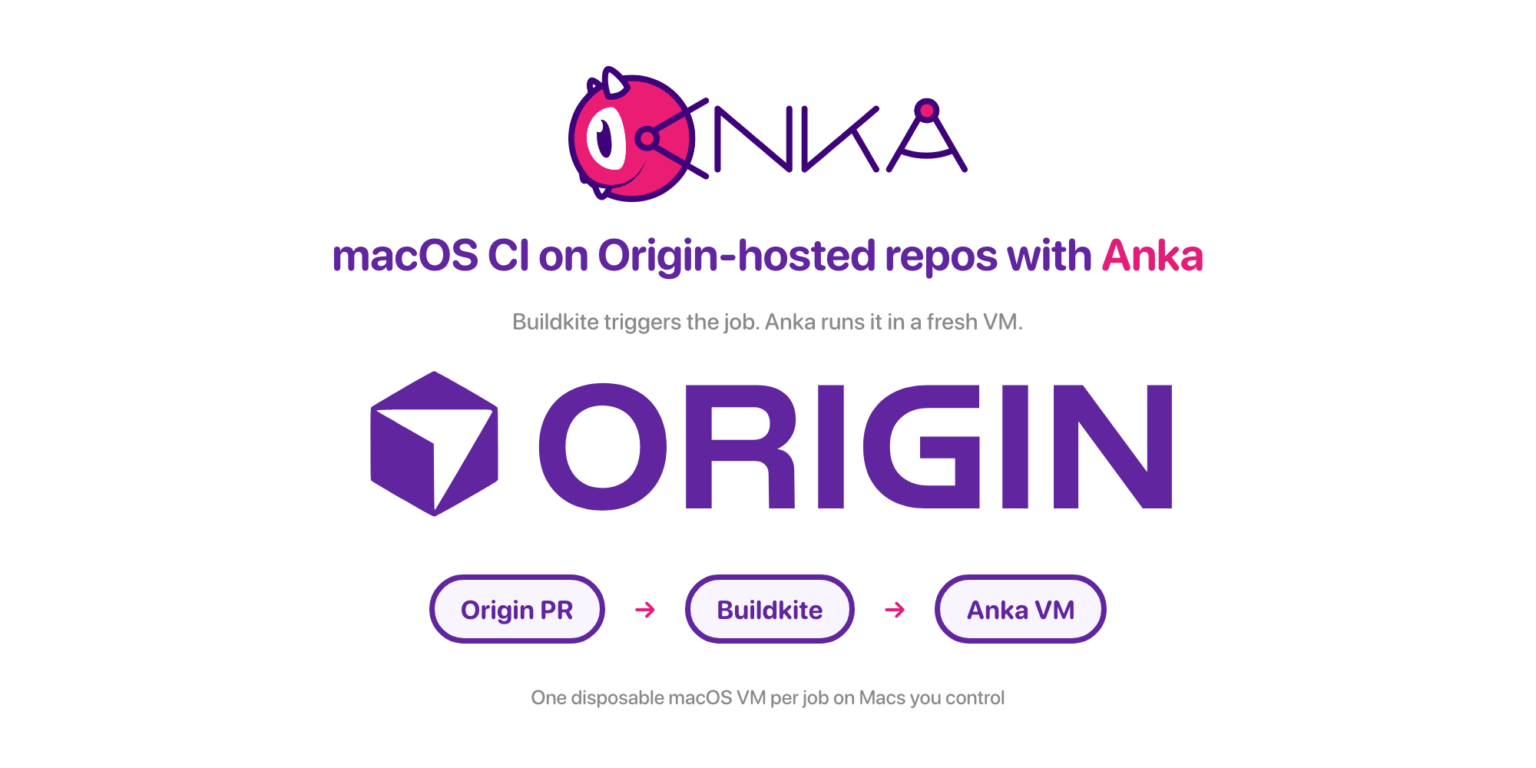
Cursor Origin is in early beta on paid plans. It is Cursor’s git host: the repo and the pull request live in Cursor. CI still has to run somewhere else.
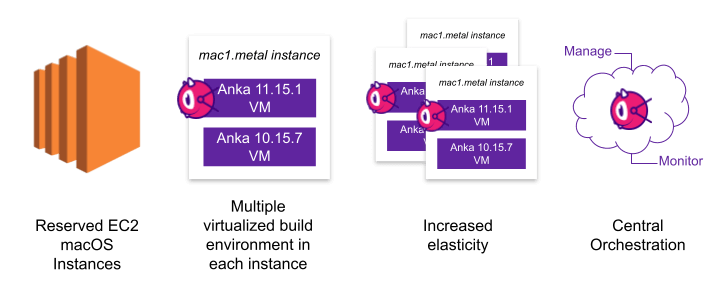
Buildkite still needs somewhere to run the job. For iOS and macOS that somewhere is a real Mac. Put an ephemeral and on-demand versioned Anka VM on it, not a shared desktop.
What Cursor Origin is
Origin stores code and shares it with your Cursor team. You work with it from the Codebase tab and from cursor.com/codebase. Clone, push, and pull use normal git. You can open, review, and merge pull requests there. You can also browse and search the tree in the browser.
You can create a repo on Origin, including from a Cursor agent. You can also mirror a GitHub repo. A mirror keeps GitHub as the source of truth and syncs PR comments both ways. A repo you create on Origin is Origin-hosted: Origin is the source of truth.
Origin does not run the job. The Apps tab can attach Vercel for deploys and Depot or Buildkite for CI. Buildkite still needs a machine. For macOS that machine is a Mac with an Anka VM.
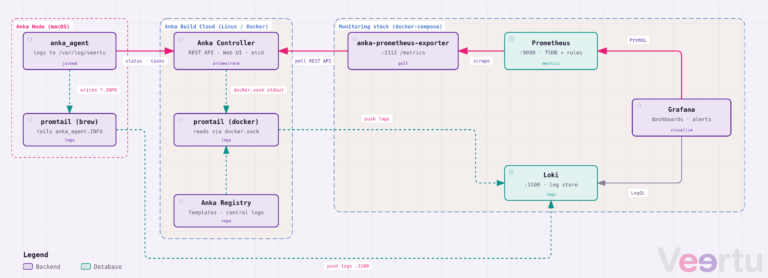
Below is how the three pieces connect.
The job
An agent opens a pull request on an Origin-hosted repo. You want xcodebuild, simulator tests, and signing to run against that PR, then report a check back where you already review the diff.
Why a shared Mac is a bad runner
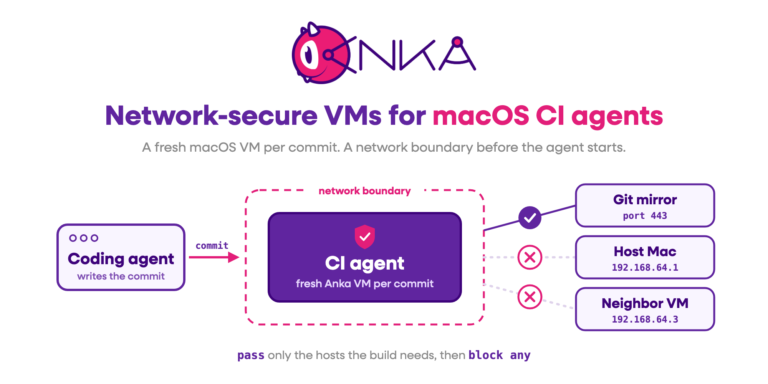
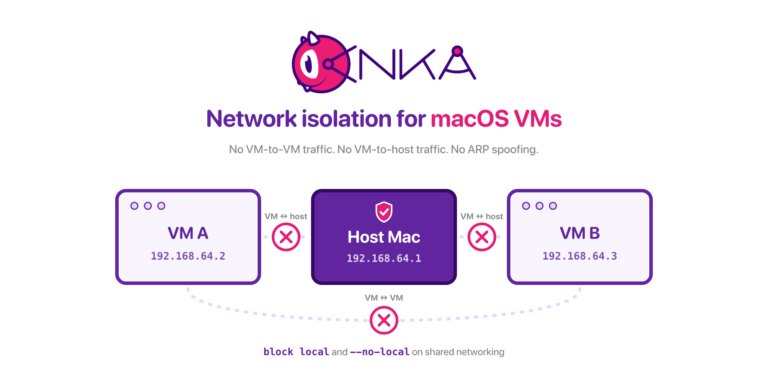
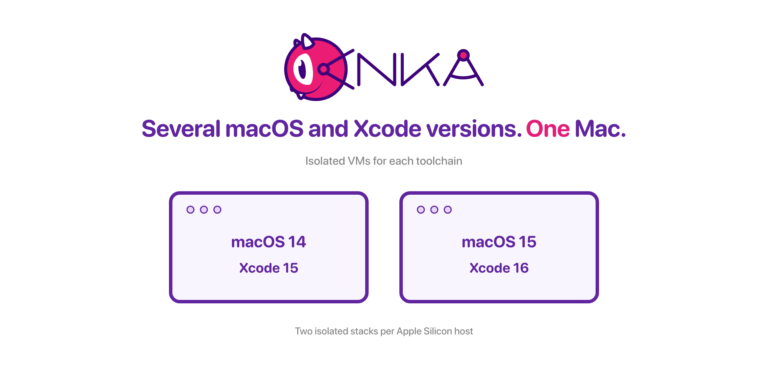
A Buildkite agent on a laptop or a dedicated Mac Mini will execute the job. It will also inherit whatever Xcode, simulators, and certificates already live on that disk. Two pipelines that need two Xcode versions fight. A leftover DerivedData folder from last night’s run poisons this morning’s. A failed job leaves packages installed. It could even risk deleting files it shouldn’t from the machine, creating a headache to recover.
macOS CI/CD has always had this problem. Origin gives you the repo and the trigger. It does not give you isolation. That part is still on you to solve with Anka VMs.
What each piece does
Origin hosts the repo and the pull request. Clone URL is standard git:
https://origin.cursor.com/{owner}/{repo}.gitBuildkite is the CI you attach from the repo’s Apps tab, after the app is installed at the codebase level. It can run native Buildkite pipelines. It can also run existing GitHub Actions workflows, but only on repos Cursor hosts, not GitHub mirrors.
Anka is the guest. The anka-buildkite-plugin clones a template for the job, starts the VM, copies the host’s Buildkite agent into the guest, runs buildkite-agent bootstrap there, then deletes the clone on success, failure, or cancel. You do not install an agent inside the template.
Origin’s CI constraint
Origin’s repository settings spell this out: Buildkite works on Origin-hosted repositories only. A repo you mirrored from GitHub keeps CI on GitHub.
If the pipeline has to fire from Origin’s Apps tab, create the repo on Origin (or detach a mirror so Origin becomes the source of truth). Mirroring is fine for browsing and two-way PR comments. It will not get you Buildkite from Origin.
Origin itself is early beta: Pro, Teams, and Enterprise, not free plans. Access rolls out in stages. The codebase name you claim during setup cannot be changed in beta.
Set up the Anka side
Install the Anka CLI on each Mac that will run jobs. Install the Buildkite agent on those same hosts and confirm they appear in your Buildkite org. Raise spawn in buildkite-agent.cfg if one node should run two VMs at once.
On EC2 Mac, start the agent with no-pty=true so Anka CLI licensing works as a non-root user.
The plugin does not require a special template tag. Any Anka VM you can clone is enough. A prepared template with Xcode and your signing assets still saves every job from installing those from scratch.
A pipeline step
Pin the plugin at veertuinc/anka#v2.1.0:
steps:
  - label: "Build"
    key: "build-key"
    command: make build
    plugins:
      - veertuinc/anka#v2.1.0:
          vm-name: 26.3-arm64
          mount-host-path: "${BUILDKITE_BUILD_PATH}"
          bootstrap-args: "--skip-checkout"

  - label: "Test"
    key: "test-key"
    command: make test
    depends_on:
      - "build-key"
    plugins:
      - veertuinc/anka#v2.1.0:
          vm-name: 26.3-arm64
          mount-host-path: "${BUILDKITE_BUILD_PATH}"
          bootstrap-args: "--skip-checkout"
Each step gets its own clone. Repeat mount-host-path on every step that needs the share. Use key when you use depends_on.
mount-host-path needs Anka 3.9.0 or newer, and it is Apple silicon only. The share shows up under /Volumes/My Shared Files/ (default guest folder name buildkite). Do not try to override BUILDKITE_BUILD_PATH in step env; Buildkite ignores it. For a different host directory, set your own variable and point mount-host-path at that.
Set bootstrap-args: "--skip-checkout" so the plugin does not try to git clone from origin.cursor.com inside the VM. Unless your template already has Origin credentials, git commands in the guest will fail anyway.
Pull a tagged template from a registry with vm-registry-tag and always-pull: true. Registry failures do not fail the build, so watch the registry yourself. Or set always-pull: false, skip the registry, and pre-prepare the VM on the host with the Anka CLI.
Set cleanup: false only when you need to inspect a clone. The agent then needs cancel-grace-period=60; the default ten seconds is not enough for teardown.
Connect Origin to Buildkite
- Claim a codebase name at cursor.com/codebase if nobody on the team has yet.
- Create an Origin-hosted repository (not a GitHub mirror).
- Install Buildkite at the codebase Apps settings, then enable it on that repo’s Apps tab.
- Point the Buildkite pipeline at the Origin remote (
https://origin.cursor.com/{owner}/{repo}.git) and at the YAML above. - Open a pull request on Origin and confirm the check lands on that PR.
Good fit
Use this stack when the repo already lives on Origin and you want macOS CI on Macs you own (or EC2 Macs you already pay for), with a fresh VM per job.
If you’re interested in a quote or chatting with our team, join us at https://slack.veertu.com or email us at support@veertu.com.