iOS teams rarely ship against one macOS and one Xcode. A release branch still needs last quarter’s toolchain. A PR branch already moved to the next beta. The question during every hardware planning meeting is the same: do you buy another Mac for each stack, or do you run more than one environment on the machines you already have?
The problem with one bare Mac
A single logged-in Mac with one Xcode.app is simple until the second project lands. Upgrading Xcode breaks the old job. Installing two Xcodes side by side fights path defaults, simulators, and Command Line Tools. Someone updates brew on the shared agent and tomorrow’s green build is yesterday’s mystery. The cost is not only disk. It is every minute spent restoring a mutable machine to a known state.
Why concurrent stacks are hard
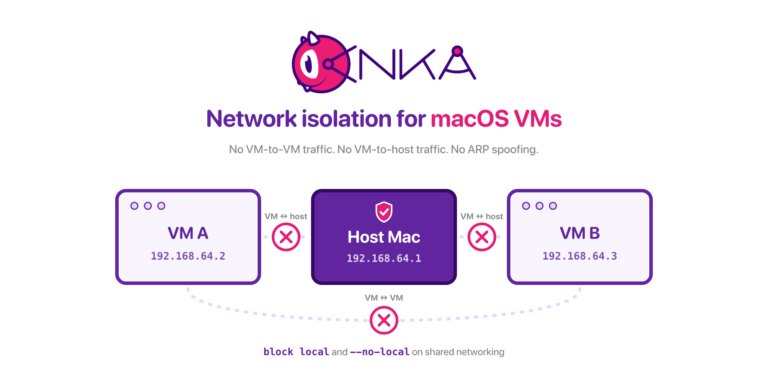
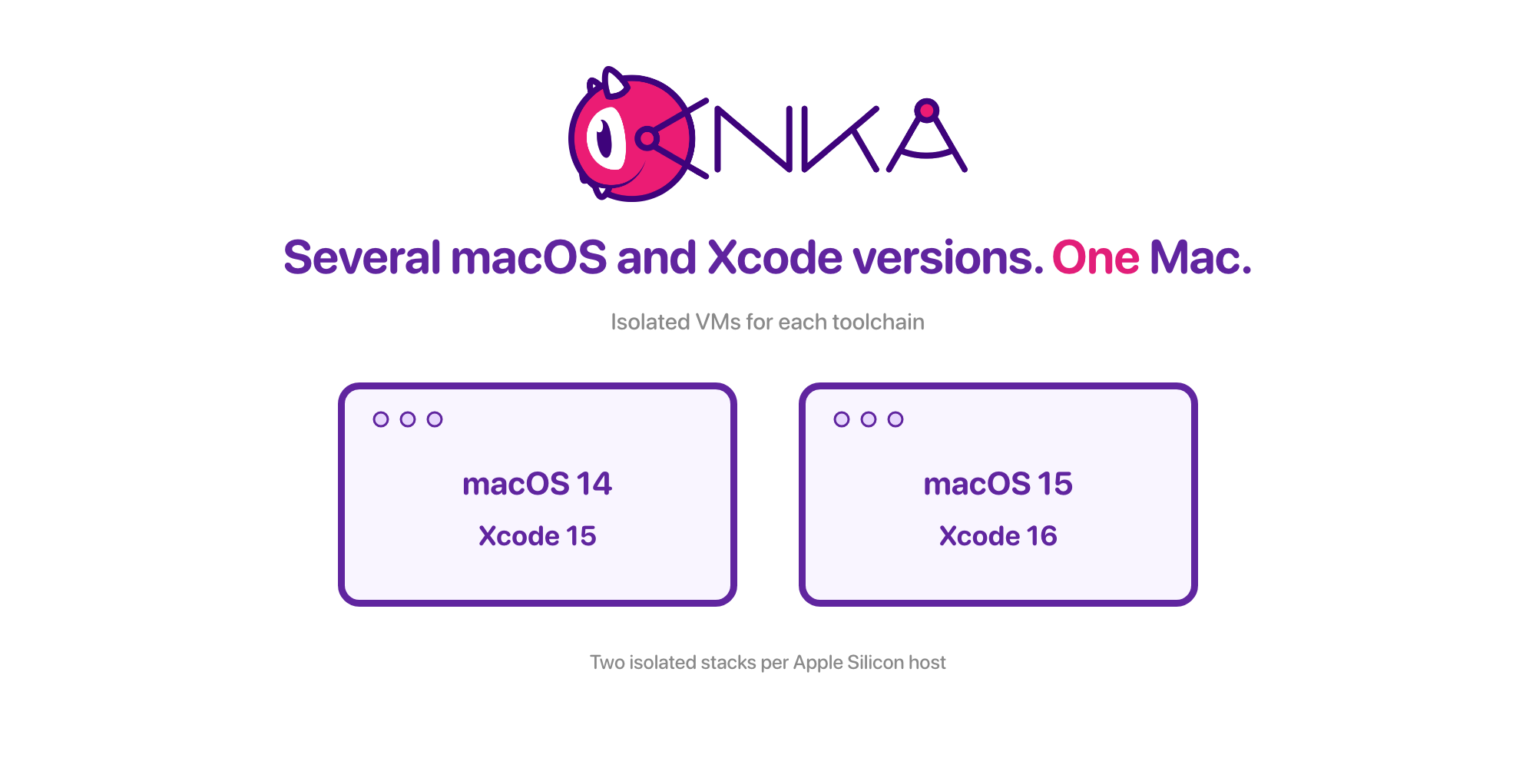
When you try setting up Virtualization, each VM needs enough vCPUs and RAM to compile and run simulators without thrashing. Apple Silicon currently enforces a hard ceiling of two VMs per host (Apple’s limitation; Anka Build Cloud nodes on Apple processors are forced to capacity 2).
There is also a problem with reusing a long running VM between teams or jobs and leaving behind files that could cause false positives or outright failures.
You also need isolation of state: different macOS versions, different Xcode installs, different certificates and derived data. That is a template problem, not an install-another-app-in-/Applications problem. The VM needs to be pre-prepared in a consistent state so there are no surprises.
How Anka handles these problems
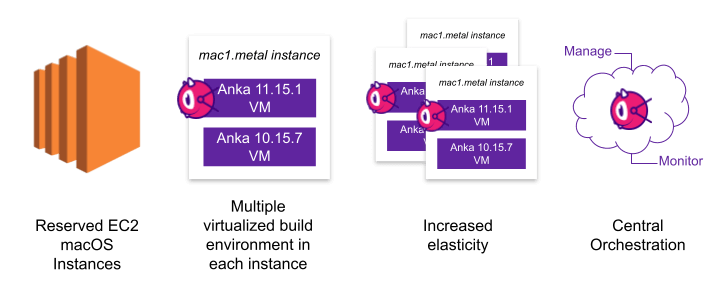
Anka Virtualization lets you create project-specific macOS VM templates (different guest macOS, different tooling), store them as templates/tags in the Anka Build Cloud Registry, and run multiple VMs on a host within license and Apple limits. This allows for denser packing: several isolated build environments per Mac, including different macOS versions and dependency stacks.
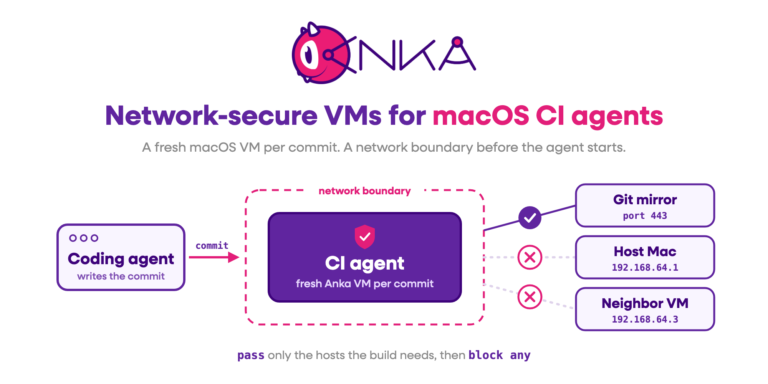
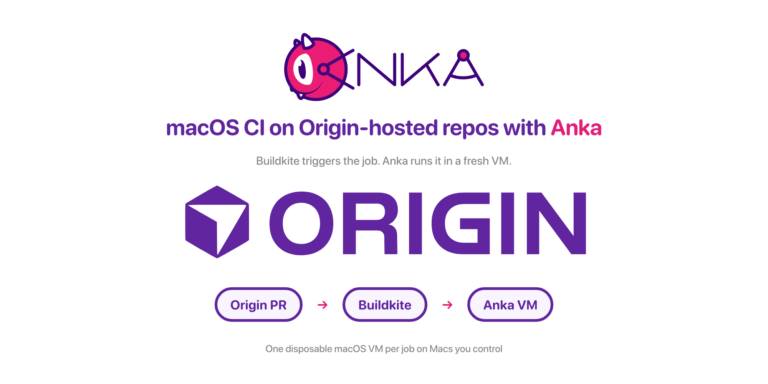
Also, all of our plugins and tools for CI/CD help you spin up ephemeral and on-demand VMs so they are used once per job and then refreshed for the next job that queues up.
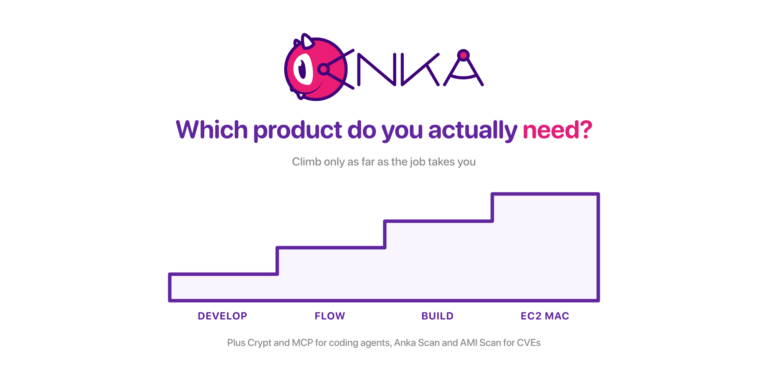
Running multiple VMs requires a Flow or Build license (Develop allows only one VM at a time). Templates are created with anka create, sized with anka modify, exercised with anka start / anka run, and versioned with anka push tags so clones share layers instead of full copies.
In fact, Veertu was the first Virtualization company to support stacked images and disk usage optimization, before any other virtualization provider. This allows clones of one VM to not use extra disk space and share underlying layers already present on a host and in the storage registry. Our team is consistently ahead of the curve with features, making Anka the best choice for Enterprises that care about support and optimizations for cost cutting.
How many VMs a host can support
Apple Silicon (ARM)
From Modifying your VM:
- Maximum concurrent VMs: 2 (Apple limitation).
- Find host cores
Cwithsysctl hw.physicalcpu(or Apple’s published core count for the chip). - 1 VM: about
CvCPUs (orCminus 1–2 for host headroom). - 2 VMs: about
C / 2vCPUs each. - Minimum 4 vCPUs per VM; fewer can make the guest unstable.
- RAM: 1 VM →
totalRAMGB - 2GB; 2 VMs →(totalRAMGB / 2) - 2GBeach. Mac Studio guests cap at 60GB RAM per VM (Apple virtualization limit).
Worked examples for a 32GB host RAM column:
| Host | Cores | 1 VM CPUs | 2 VMs CPUs each | RAM split (32GB host) |
|---|---|---|---|---|
| M4 Mac mini | 10 | 8–10 | 5–6 | 30GB / 14GB |
| M4 Pro Mac mini | 14 | 12–14 | 7–8 | 30GB / 14GB |
| M4 Max Mac Studio | 16 | 14–16 | 8–9 | 30GB / 14GB (max 60GB) |
| M2 Ultra Mac Studio | 24 | 22–24 | 12–13 | 30GB / 14GB (max 60GB) |
Slight overcommit on a 2-VM Silicon host is possible; Anka does not guarantee stability if you push past the guidance, but generally we see good results.
How to set it up
Size the template
anka modify 26.6 cpu 6
anka modify 26.6 ram 14G
anka show 26.6 cpu
anka show 26.6 ram
Create separate templates (or tags) per stack. For example one guest on macOS 15 + Xcode 26.1, another with Xcode 27 beta. Do not mutate a single golden image between jobs.
anka push --local --tag vanilla 26.6 # required before cloning
anka clone 26.6 26.6-xcode26.1
anka clone 26.6 26.6-xcode27b1
anka start 26.6-xcode26.1
anka run 26.6-xcode26.1 bash -c ". . . Steps to install Xcode in the VM . . ."
anka stop 26.6-xcode26.1
anka start 26.6-xcode27b1
anka run 26.6-xcode27b1 bash -c ". . . Steps to install Xcode in the VM . . ."
anka stop 26.6-xcode27b1
Prefer tagged templates over a mutable host
Tag the source before you clone so Anka can share underlying image layers:
anka push --local --tag v1 26.6-xcode26.1
anka push --local --tag v1 26.6-xcode27b1
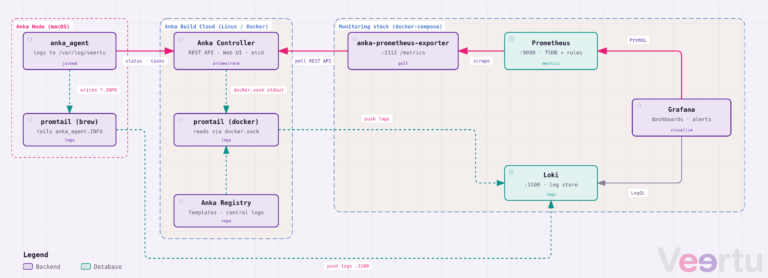
Or anka push to the Registry when Build Cloud is in play. Clones do not write back into the source template’s state. A bad job ends in anka delete (or Controller terminate), not a few hours spent reinstalling Xcode on the bare metal.
Run side by side
anka clone 15.6.1-xcode26.1 project-a
anka start project-a
anka clone 15.6.1-xcode26.1 project-b
anka start project-b
anka run project-a xcodebuild -version
anka run project-b xcodebuild -version
Our CI/CD plugins and tools help handle this heavy lifting for you either by requesting a VM instance from our Build Cloud Controller, or directly from a service running on the hosts like Anklet. They also turn the spinning up of VMs into an ephemeral and on-demand process.
When to use it
Use multiple Anka VMs per host when you need two isolated stacks and the host’s RAM can fund them. Use one larger VM per host when a single job is compiler-bound and needs almost all cores. Density is wasted if both VMs are starved.
If you’re interested in a quote or chatting with our team, join us at https://slack.veertu.com or email us at support@veertu.com.