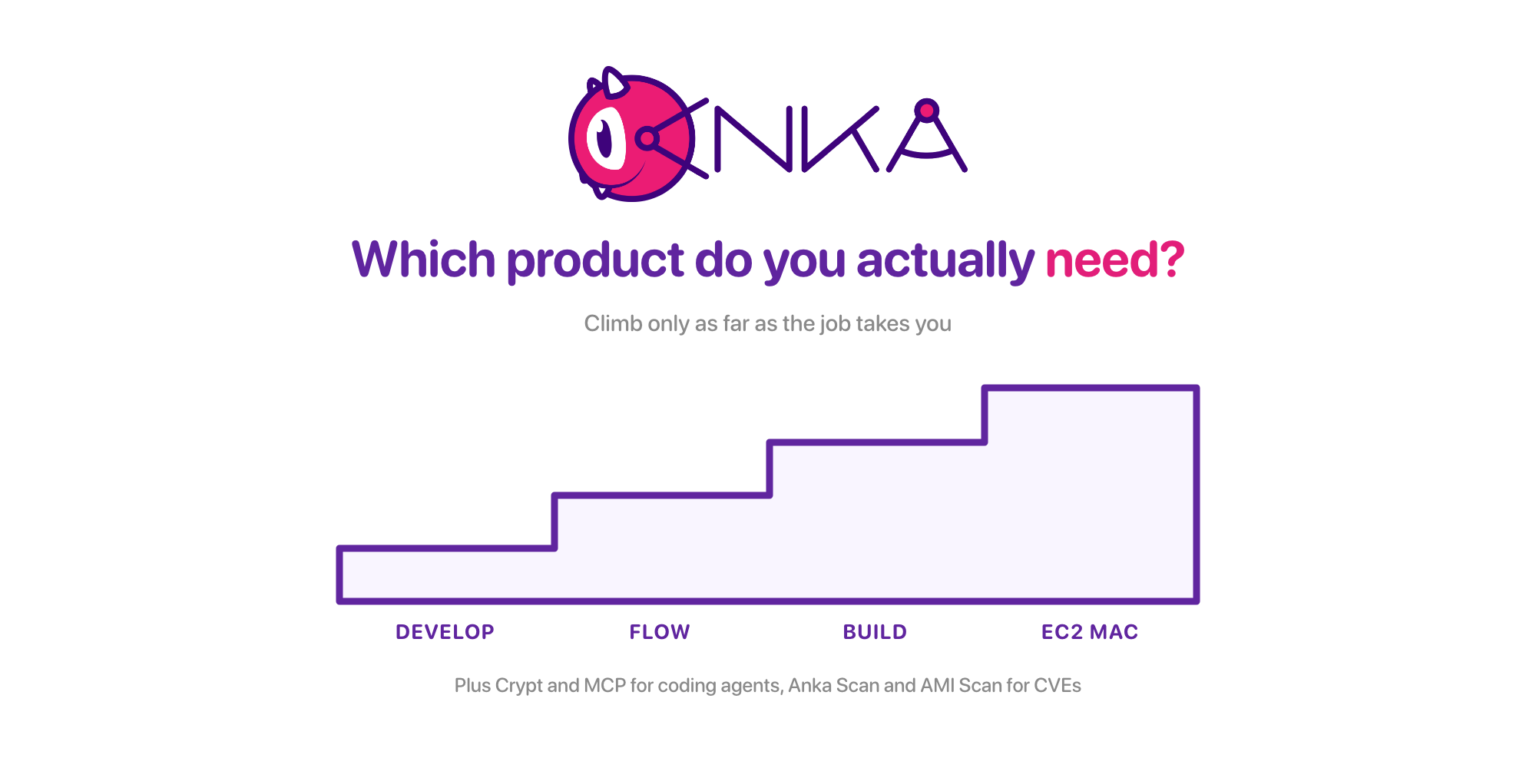
Nobody shows up at a virtualization vendor wanting to read a product catalog. They show up because a laptop needs a clean macOS for tonight’s build, or because four developers have a need for four different Xcode installs, or because a security reviewer wants to know what is inside the CI image.
So we’ll break down the Veertu lineup in that order. Situation first, product second.
The full lineup
From veertu.com:
| Product | One-line description |
|---|---|
| Anka Build | On-demand ephemeral macOS VMs on Mac cluster for enterprise iOS and macOS CI |
| Anka Develop | Free local macOS VMs for personal development and testing |
| Anka Flow | Reusable iOS development VMs shared across a team |
| AWS EC2 Mac | Ephemeral macOS VMs on EC2 Mac instances |
| Anka Crypt | Run AI coding agents unattended in disposable macOS VMs |
| Anka MCP | MCP server that hands AI agents Anka macOS VMs |
| Anka Scan | CVE scanning for macOS VM images and templates |
| EC2 Mac AMI Scan | Scan EC2 Mac AMIs without launching an instance |
You are one developer on a MacBook
Anka Develop is the free Anka Virtualization license for laptop hardware: MacBook, MacBook Pro, MacBook Air. You get a sandboxed guest for builds, tests, or throwaway experiments without standing up a farm.
One VM at a time; no VM suspension, no tagging, no registry CLI; and the license activates only on those laptop models.
If you are using a coding agent, you can use Anka Crypt alongside Anka Develop to run the coding agent inside an isolated macOS VM from your host.
Anka Develop supports VNC, SSH, and Anka View (if VNC is not available) for accessing the VM.
Your team shares the same iOS/macOS environment
Anka Flow licenses are for creating and working inside Anka macOS VMs on developer machines, with registry push and pull so a prepared VM is not trapped on one laptop and can instead be shared with your entire team.
Flow activates on MacBook and iMac models, a narrower hardware set than Build covers. Against Develop it adds multiple VMs, suspend (Intel path), USB support, and registry push and pull. What it will not do is join the machine to an Anka Build Cloud as a Node.
You outgrow Flow when commit volume and concurrency need a central queue of ephemeral CI VMs on dedicated or cloud Mac hosts, rather than VMs running across laptops.
You need an enterprise CI fleet
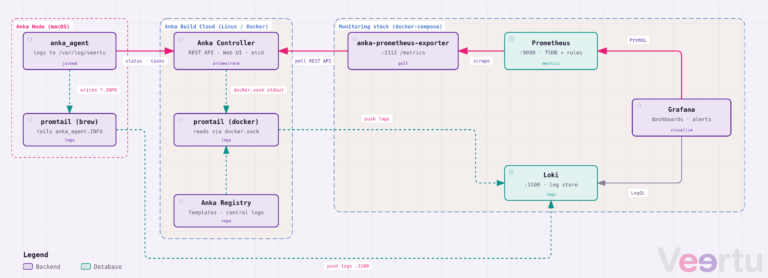
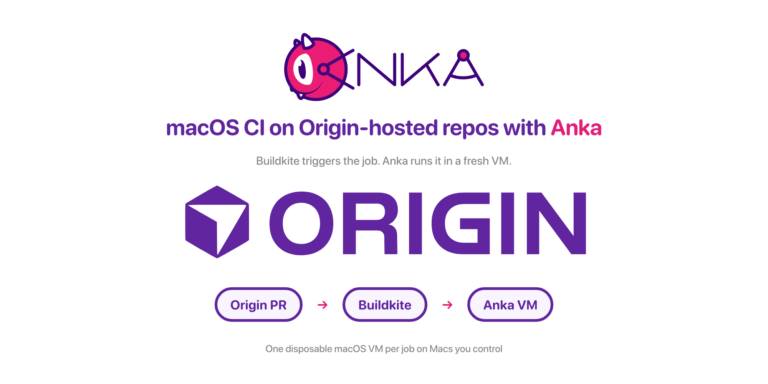
Anka Build is the Controller, Registry, and Node model. Mac hosts run Anka Virtualization as Build Nodes and cache templates and tags frequently used. The Controller queues and load-balances VM requests across them. The Registry stores Templates and Tags, allowing Nodes to pull them when needed. Plugins cover GitHub Actions, Jenkins, TeamCity, GitLab custom executor, Buildkite, and others; the license tiers datasheet carries the full feature list.
Build licenses run on all macOS hardware models, unlike laptop-only Develop and the MacBook and iMac set Flow covers. Build is also the license that joins nodes to a Cloud Controller.
Its tiers (Basic, Enterprise, Enterprise Plus) add controller auth, node groups, priority scheduling, SSO, authentication/authorization, and event logging. The tier decision is inside Build, rather than a different product, so read Build License Tiers when security or multi-team isolation enters the conversation.
You extend past Build when the Macs you want live in AWS instead of on-prem, or when security asks for CVE evidence on the images themselves.
Your Macs are in AWS
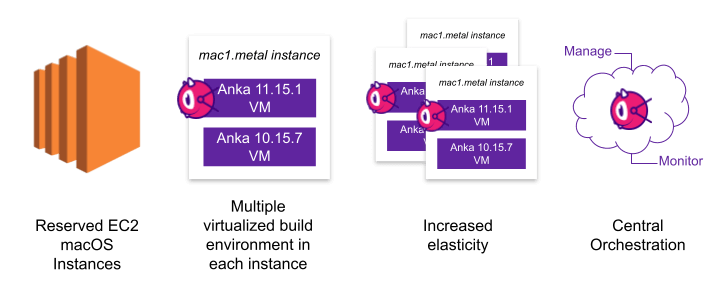
You can run either community (bring your own license) or marketplace EC2 Mac AMIs with Anka macOS Virtualization on them. Marketplace EC2 Mac AMIs with Anka in them mirror the AWS consumption model. You only pay when your instance is running. Run several macOS VMs per EC2 Mac host, pack denser CI onto instances you already pay for, and version the guest images (Packer and Ansible friendly) instead of baking every tool into the AMI. Anka on AWS EC2 Mac also avoids waiting for dedicated hosts to be released or switch to Available, which can take hours sometimes because of limited hardware availability and demand in AWS! Orchestration lines up with the same CI tools you use for Build.
Using EC2 Mac does not mean abandoning Build or Flow. You place Anka nodes on EC2 Mac hardware when that is where capacity lives.
You want AI coding agents in disposable macOS VMs
Two products show up together here.
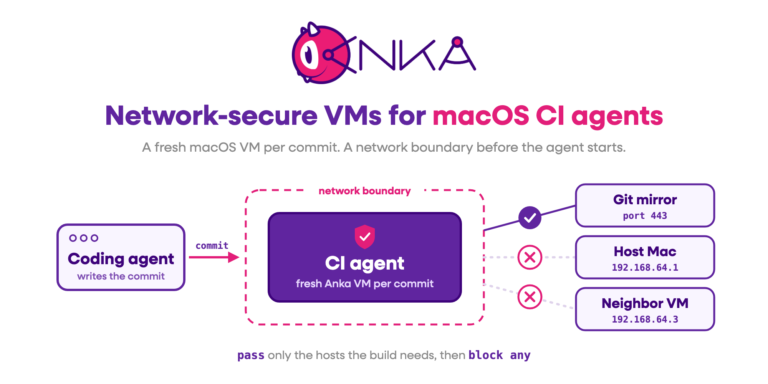
Anka Crypt runs AI coding agents unattended in disposable macOS VMs, so an agent such as Claude or Codex are not working on your personal desktop. Anka MCP is an MCP server that lets agent clients request and manage those Anka VMs through local CLI or Controller APIs.
Reach for Crypt when the question is how much damage an agent can do. Reach for MCP when the agent tooling has to provision the VM itself. Crypt runs on Develop’s free local VMs; Build and Flow start to matter once agents need the Controller.
Security asks what is in the image
Anka Scan scans Anka macOS images and templates at rest, Intel and ARM guests alike, and reports a BOM against known CVEs. It runs inside your network, so the image never has to leave. The usual moment is just before a template goes to the Registry, or on a schedule against templates already stored there.
EC2 Mac AMI Scan covers a different artifact. When your pipeline’s source of truth is an AMI rather than an Anka template, it inspects that AMI filesystem without booting an instance from it. Use it in AMI build pipelines and recurring scans, and use Anka Scan when the artifact is an Anka VM image or template.
The decision path
- Solo laptop CI or local sandbox? → Anka Develop
- Team-shared dev VMs plus a registry, still on desks? → Anka Flow
- Queued ephemeral CI VMs across Mac hosts? → Anka Build
- Those hosts are EC2 Mac? → AWS EC2 Mac with Anka packing and orchestration
- Unattended coding agents need a disposable macOS? → Anka Crypt, plus Anka MCP if the agent stack speaks MCP
- CVE evidence on Anka templates? → Anka Scan
- CVE evidence on EC2 Mac AMIs without booting them? → EC2 Mac AMI Scan
License boundaries
From Licensing and the feature matrices:
| Develop | Flow | Build | |
|---|---|---|---|
| Multiple VMs | No | Yes | Yes |
| Registry push/pull | No | Yes | Yes |
| Join as Build Cloud Node | No | No | Yes |
| Hardware | MacBook models only | MacBook and iMac | All macOS hardware models |
Trials come from Veertu’s trial registration flow. The commercial Build tiers change Controller features, not the answer to which product family you need.
When not to climb the ladder
Stay on Develop if one local VM covers the job. Stay on Flow if the pain is shared desktop environments rather than CI concurrency. Add a Scan product when a person or an auditor asks for CVE data, and remember it does not replace Build. Add Crypt or MCP when agents become a new untrusted tenant, not because every CI farm needs them on day one.