Use the Anka Virtualization CLI to create and run reusable iOS development VMs, similar to docker containers
Install dependencies inside, suspend the VM in a specific state, run your builds and tests, then refresh the VM back to the previous state
Execute commands inside of the VM directly from your CLI with anka run, through ssh, or open the Anka Viewer window for UI control
Attach USB Devices for real iOS device testing with a single command
Easily mount directories from your host into the VM
Central Registry
Centralized storage for your team's macOS VM Templates, Tags, and thin OCI tags
Push and pull new Templates and Tags using the Anka CLI
Create thin OCI tags for Xcode and other tools on your laptop, then push them to an OCI registry and apply them across many macOS bases without rebuilding every image
VM state versioning through Tags
REST API for scripting and automation
Uploads and downloads of VM Templates between the Registry and Anka CLI clients will start where they left off should communication fail
Multiple VMs
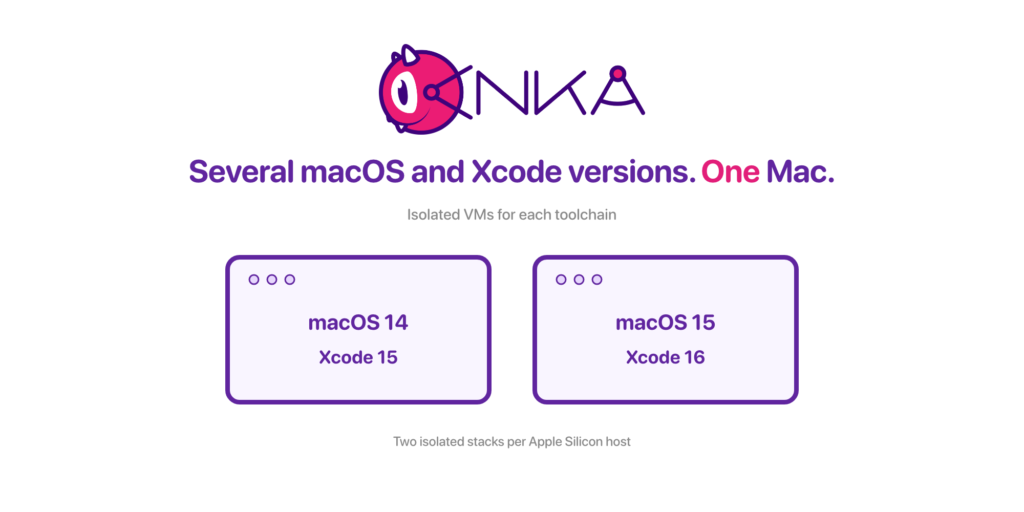
Run several macOS and Xcode stacks side by side, and pull the same environments your CI uses
Run multiple Anka VMs at once on MacBook and iMac hardware
Keep separate stacks for different projects, macOS versions, and Xcode releases
Pull build environments from the Anka Build Cloud Registry onto your laptop
Debug locally against the same templates and tags your CI pipelines use